Premium Tally Prime Addons
Industrial-grade Tally extensions. Instant download. Expert support included.

Manual Book Report
Manual Book Report – Short Description A Manual Book Report is a report used to record accounting transactions manually in book format. It shows details such as date, voucher number, account name, debit and credit amounts. This report helps users track and verify financial entries easily and maintain proper accounting records when entries are recorded manually. 📒📊

Cash Sales Register
Cash Sales Register – Description A Cash Sales Register is a report that shows all sales transactions made in cash during a selected period. It records details such as date, voucher number, customer name, items sold, quantity, amount, and total value of cash sales. In Tally, the Cash Sales Register helps users track and review all cash sales entries, making it easier to verify transactions and maintain accurate financial records. It is useful for checking daily sales, monitoring income, and preparing accounting reports. 📊

GridLine in Invoice and Default Tally Reports
In TallyPrime, GridLine is a feature that shows lines between rows and columns in invoices and reports. It helps separate information like item name, quantity, rate, and amount in an invoice. In reports such as Trial Balance or Day Book, grid lines separate each record. Purpose of GridLine: Makes data easy to read Organizes information in rows and columns Makes invoices and reports look neat and professional In simple words, GridLine helps users clearly see and understand the data in Tally reports and invoices. 📊
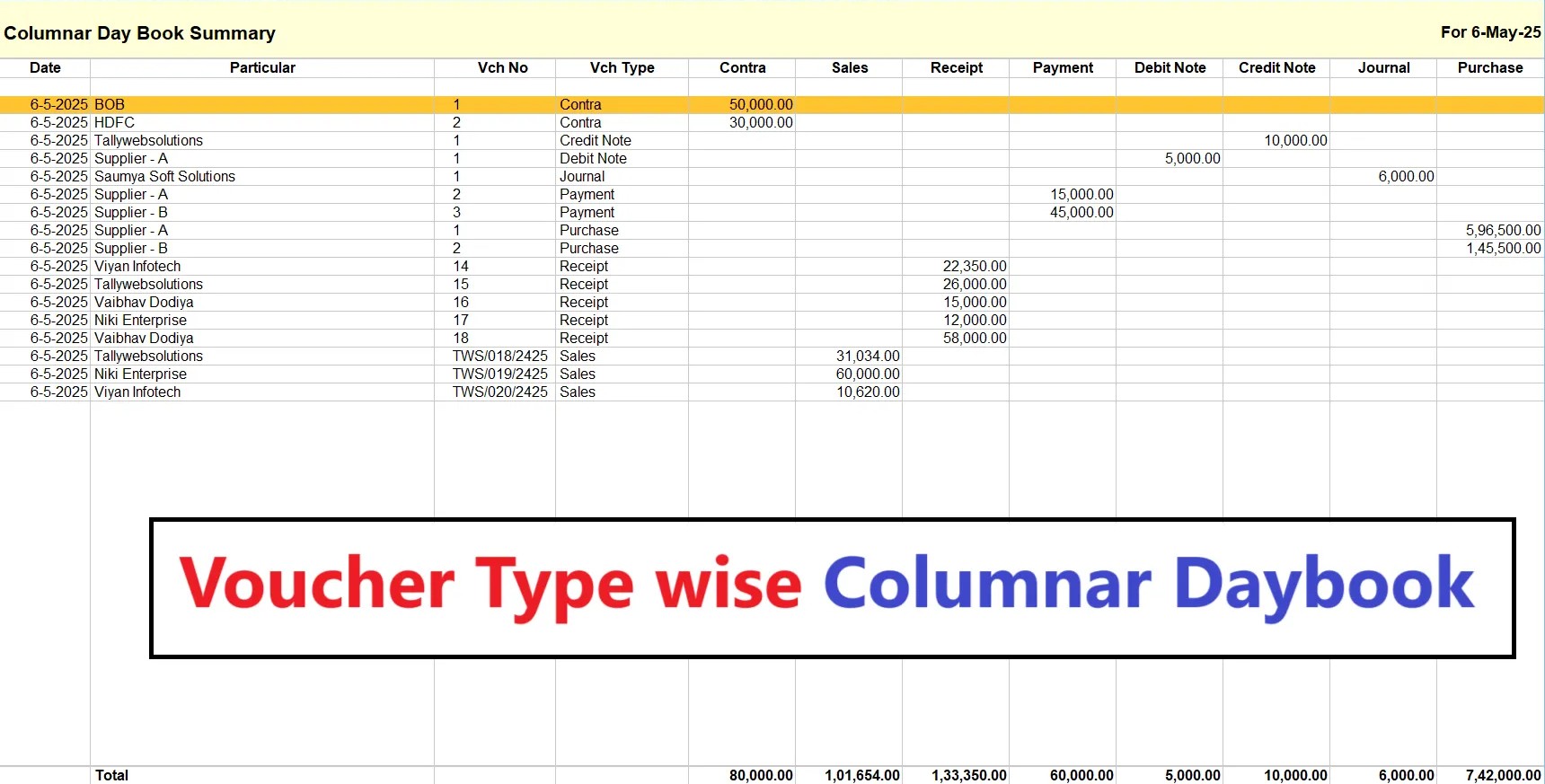
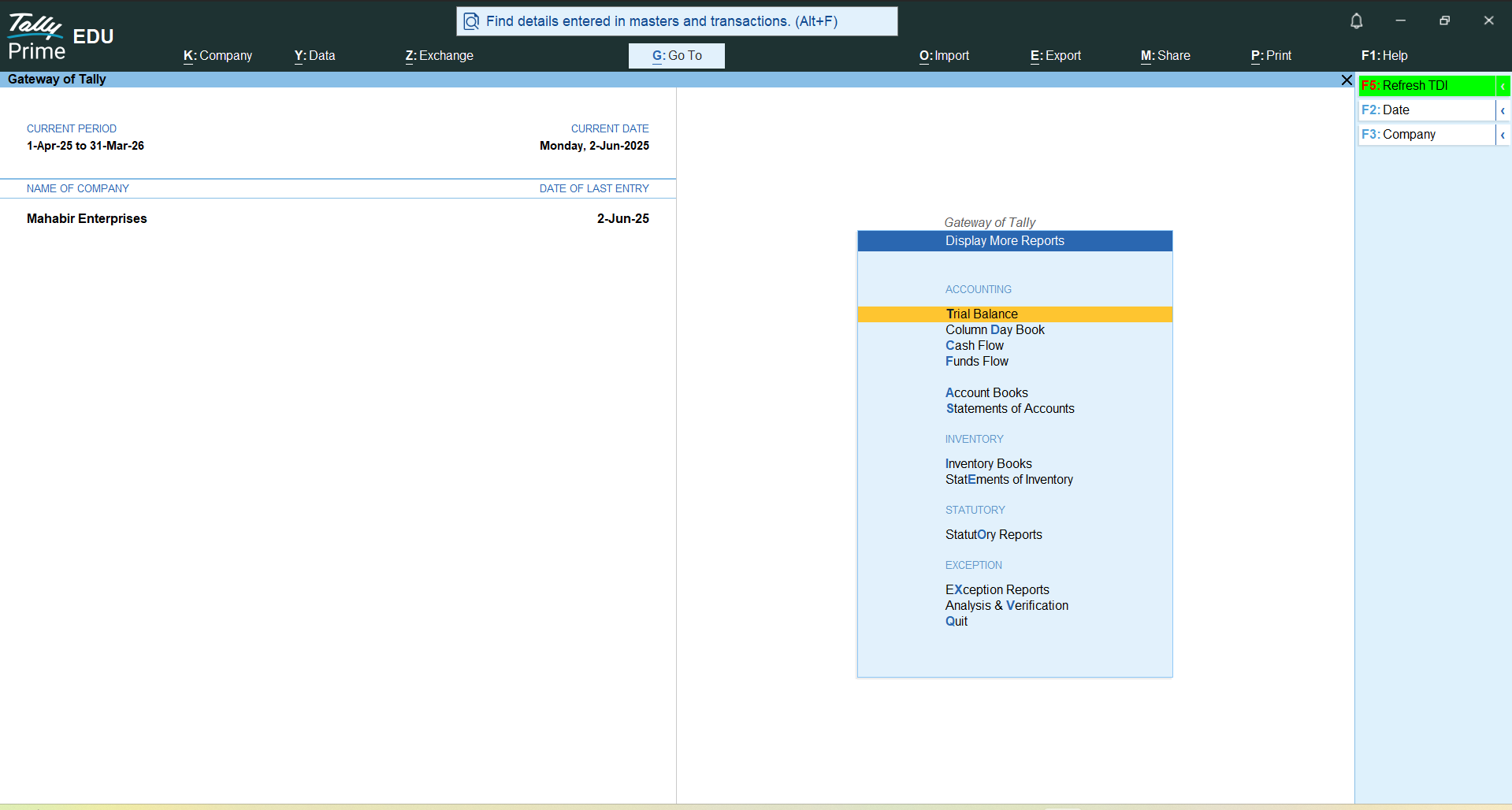
Colummar Day Book Summary
Columnar Day Book Summary is a report in Tally that presents daily transactions in a columnar format. It allows users to view and analyze vouchers and financial activities day-wise in a structured table. This report helps in quickly reviewing daily business transactions, comparing debit and credit amounts, and improving the accuracy of financial monitoring and reporting.
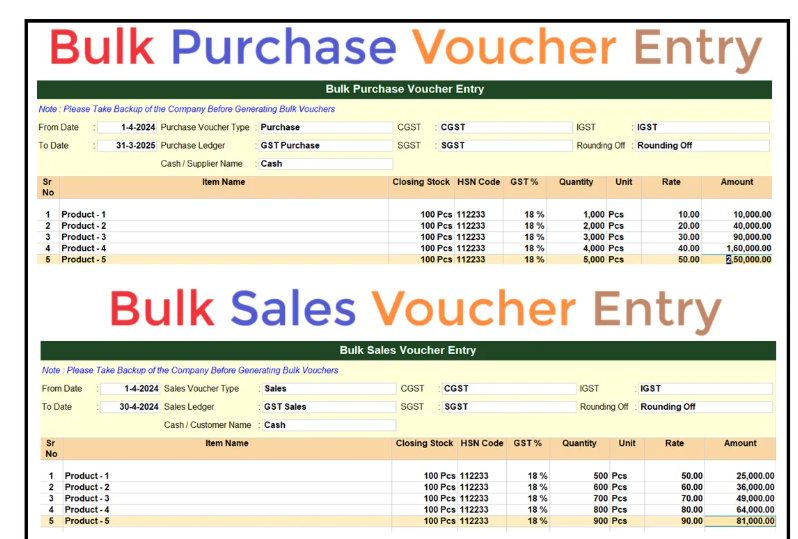
Bulk Purchase & Sale Voucher Entry with Inventory in Tally Prime 7.0
TDL TCP File – Bulk Purchase & Sale Voucher Entry with Inventory in TallyPrime 7.0 This TDL helps users create multiple Purchase and Sales voucher entries with inventory in a single screen in TallyPrime. It is designed to save time and reduce manual data entry when recording large numbers of transactions. After completing the payment, users can download the TDL source code text file and load it in Tally to enable fast bulk voucher entry with inventory details. This tool improves speed, accuracy, and productivity in accounting work. 📊💻
.png)
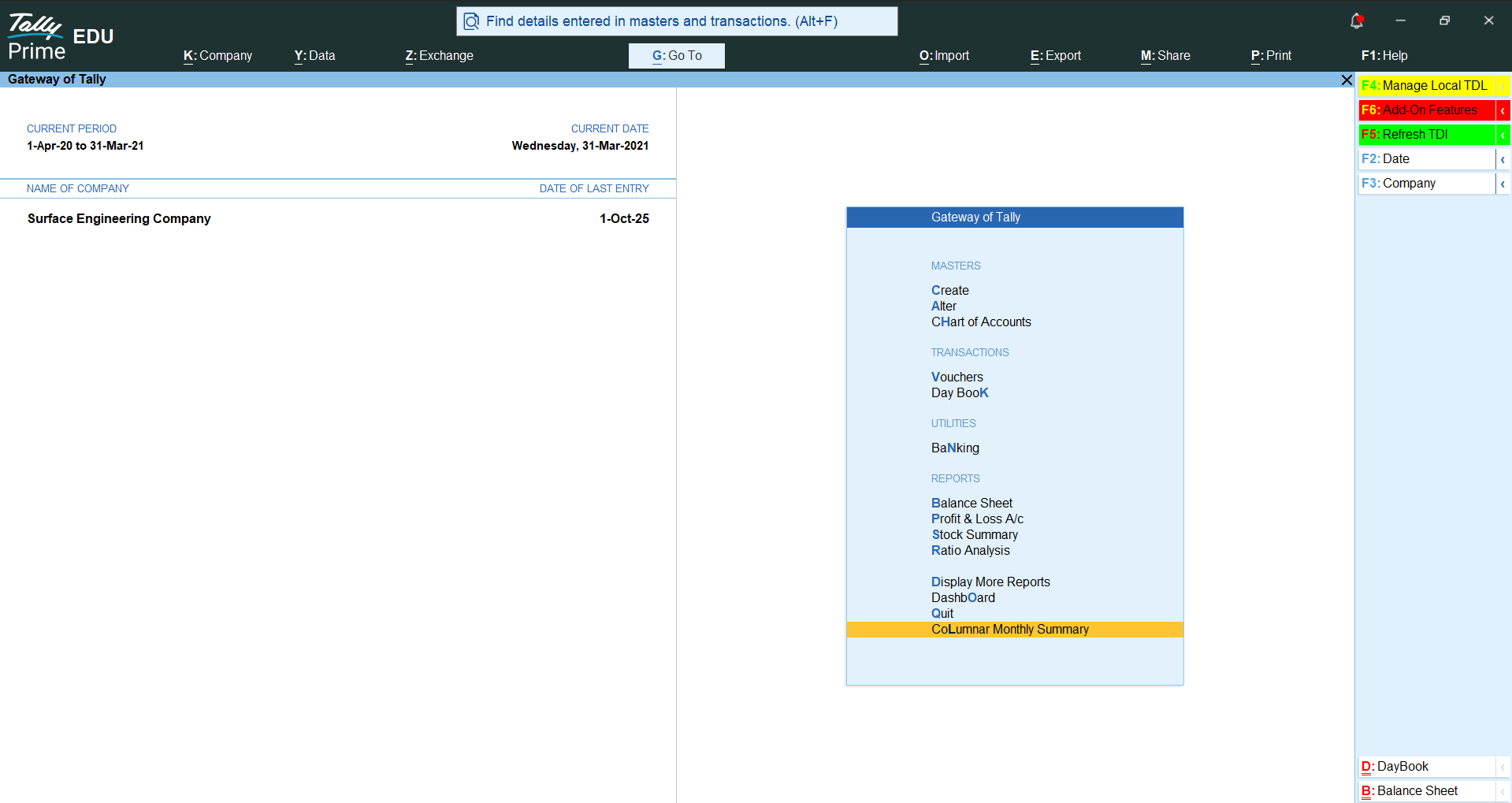
Columnar Monthly Summary
Columnar Monthly Summary is a report in Tally that displays monthly financial data in column format. It helps users quickly analyze transactions, balances, and account performance for each month in a single view. This report improves financial analysis by providing a clear comparison of monthly figures, making it easier to track trends, monitor expenses, and review business performance.
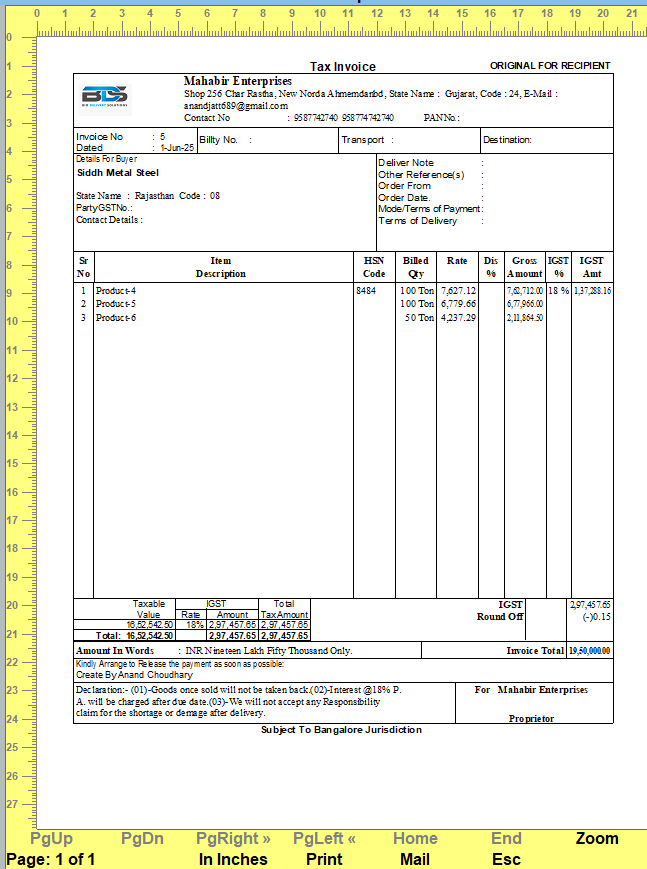
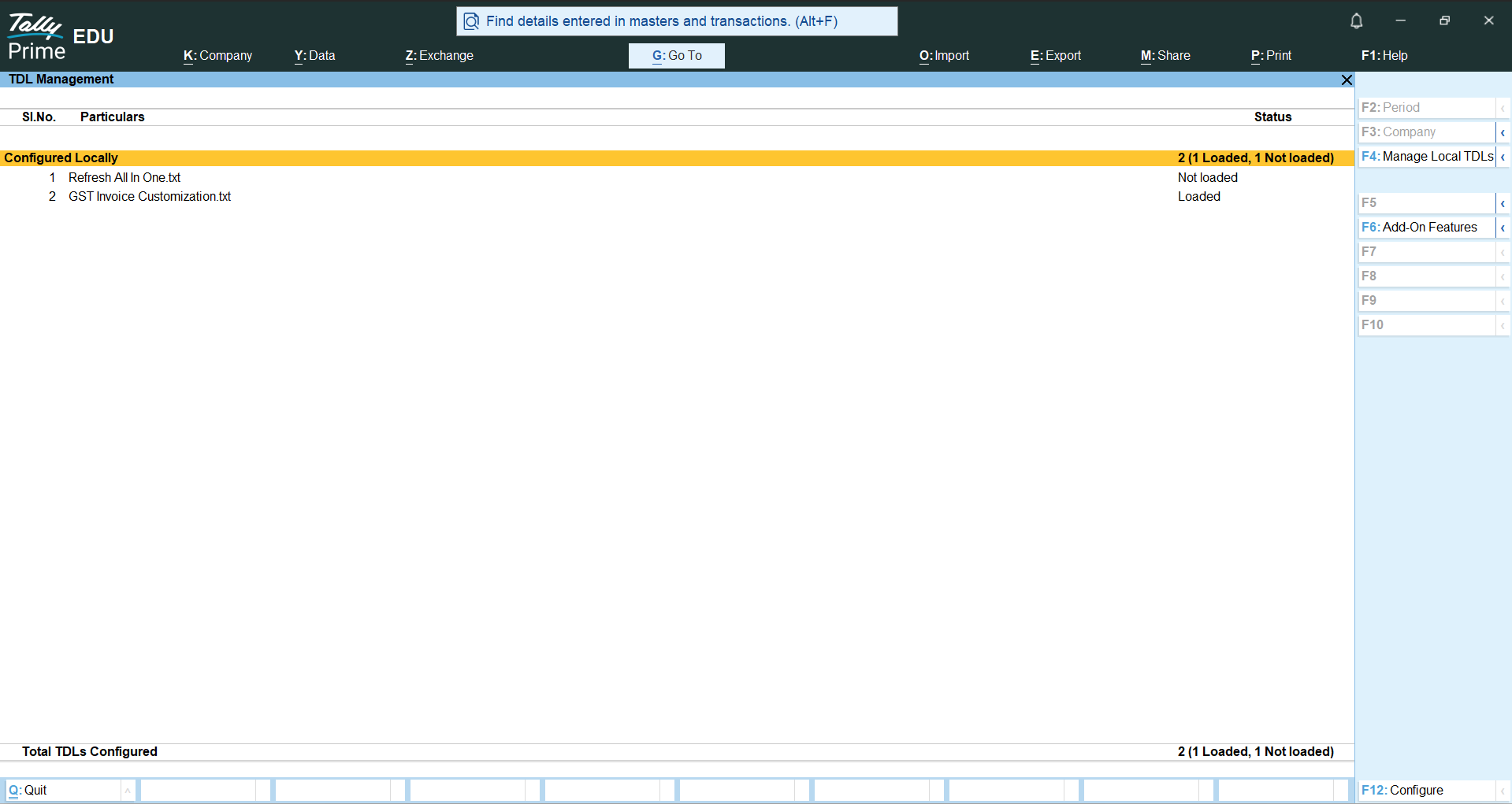
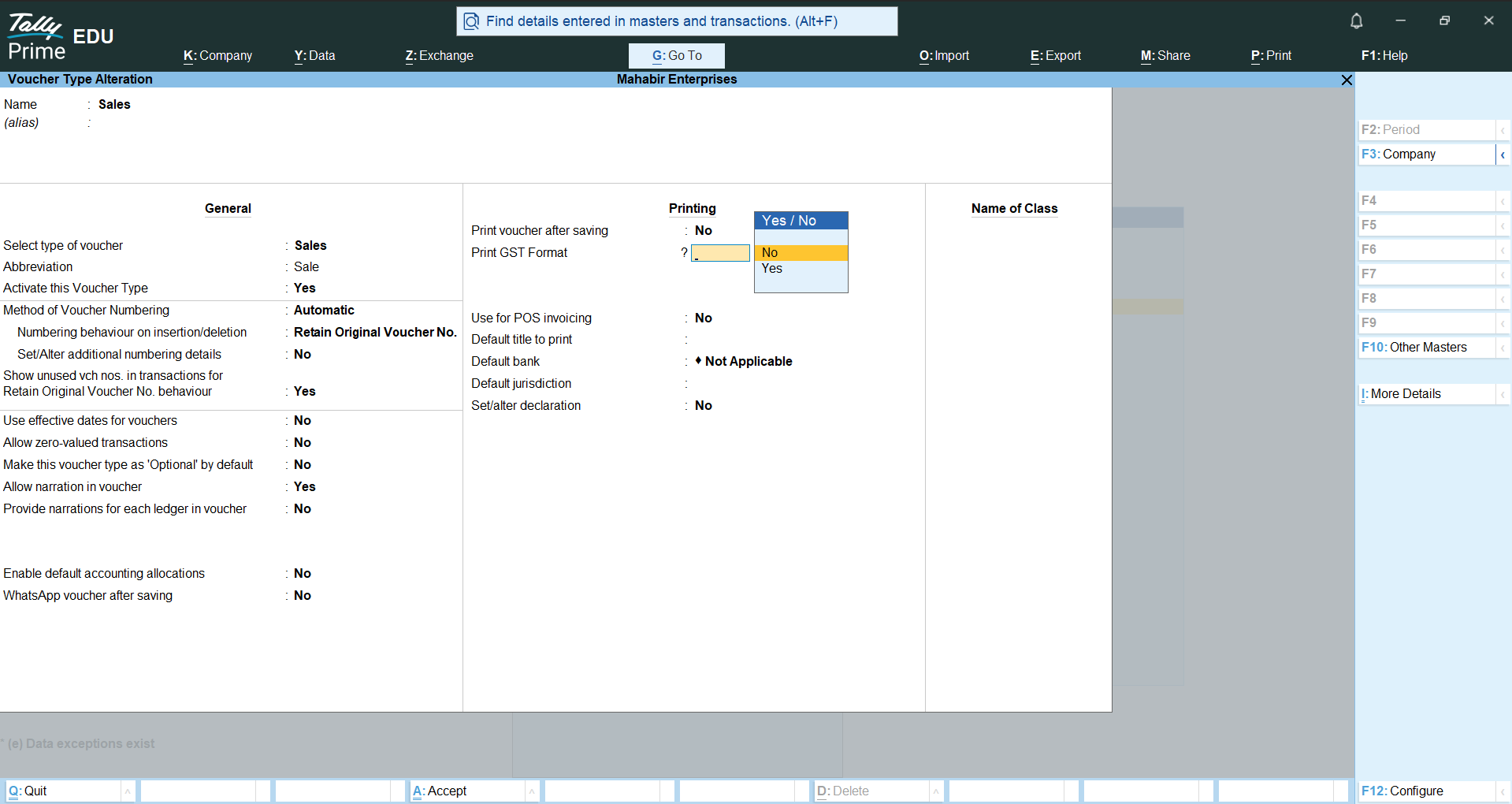
GST Invoice Customization
You Want This Print Format Contact Us ! 9587742740 If You Want Any Change in This Format Tell Me I Can Do It . If you want this print format, contact us at 9587742740. If you want any changes in this format, let me know and I can accommodate them.

Date Wise Sale & Purchase In Voucher
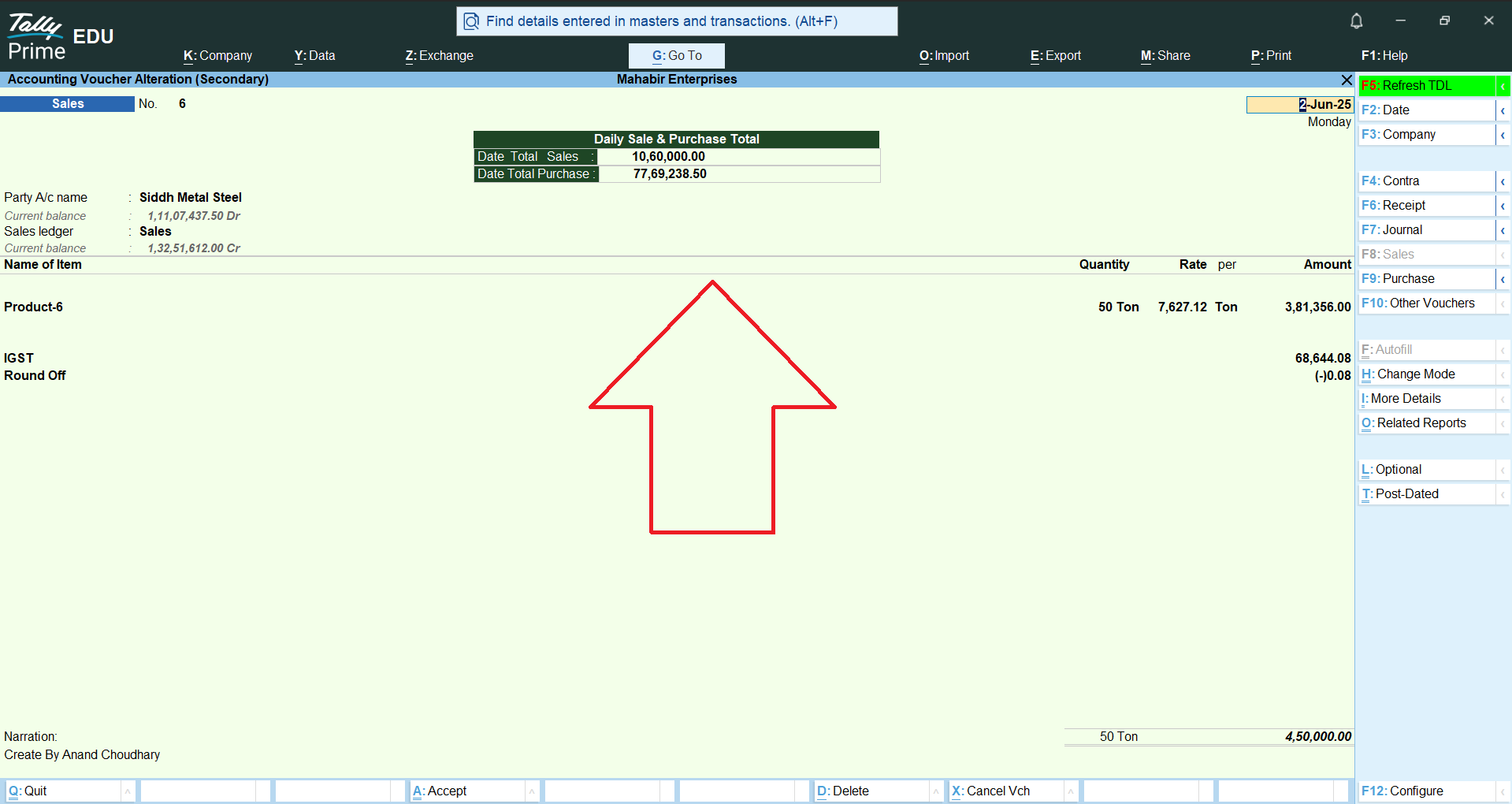
Date Wise Sale & Purchase in Voucher This feature helps users view sales and purchase vouchers according to a specific date or date range. It allows easy tracking of daily transactions, showing all sale and purchase entries made on selected dates. This makes it simple to analyze business activity, verify entries, and manage records efficiently. 📊📅

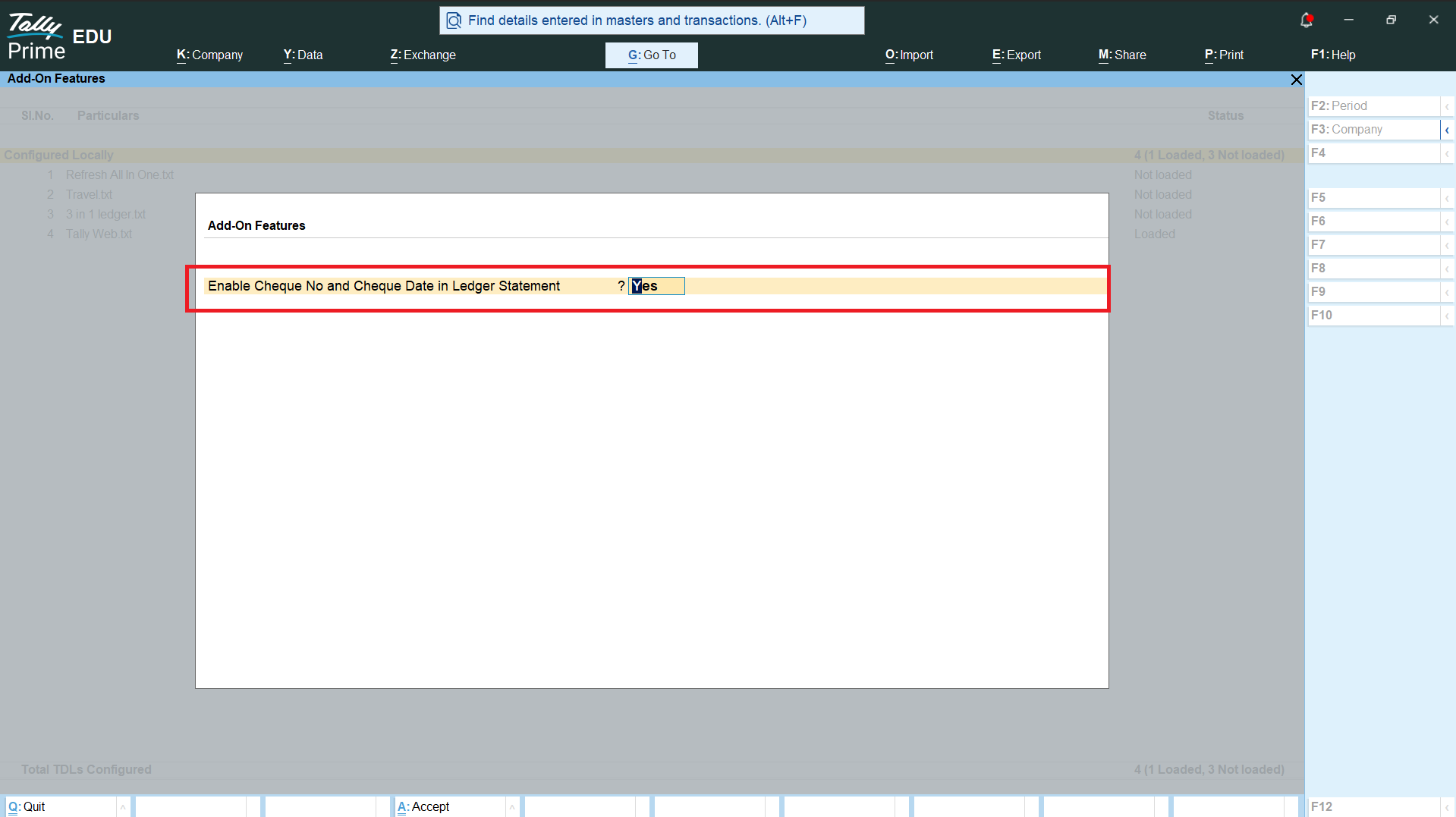
Enable Cheque No and Cheque Date in Ledger Statement
This customization enables Cheque No. and Cheque Date details in the Ledger Statement of Tally Prime. With this feature, users can easily view and track cheque-related information directly from the ledger report without opening individual vouchers. The Cheque Number helps identify the specific cheque used for a payment or receipt, while the Cheque Date shows the date mentioned on the cheque. Both details are displayed clearly along with the existing ledger information, making transaction verification faster and more convenient. This feature is especially useful for businesses that handle a large number of cheque transactions and need to regularly check payment details. It helps users quickly match ledger entries with physical or bank records, identify cheque transactions, and maintain better financial records. The customization improves the overall usability of the Ledger Statement and reduces the time required to find cheque-related information in Tally Prime.
Need a Custom Tally Addon?
Share the current Tally workflow and the outcome you need. We will review the scope before proposing a custom build.