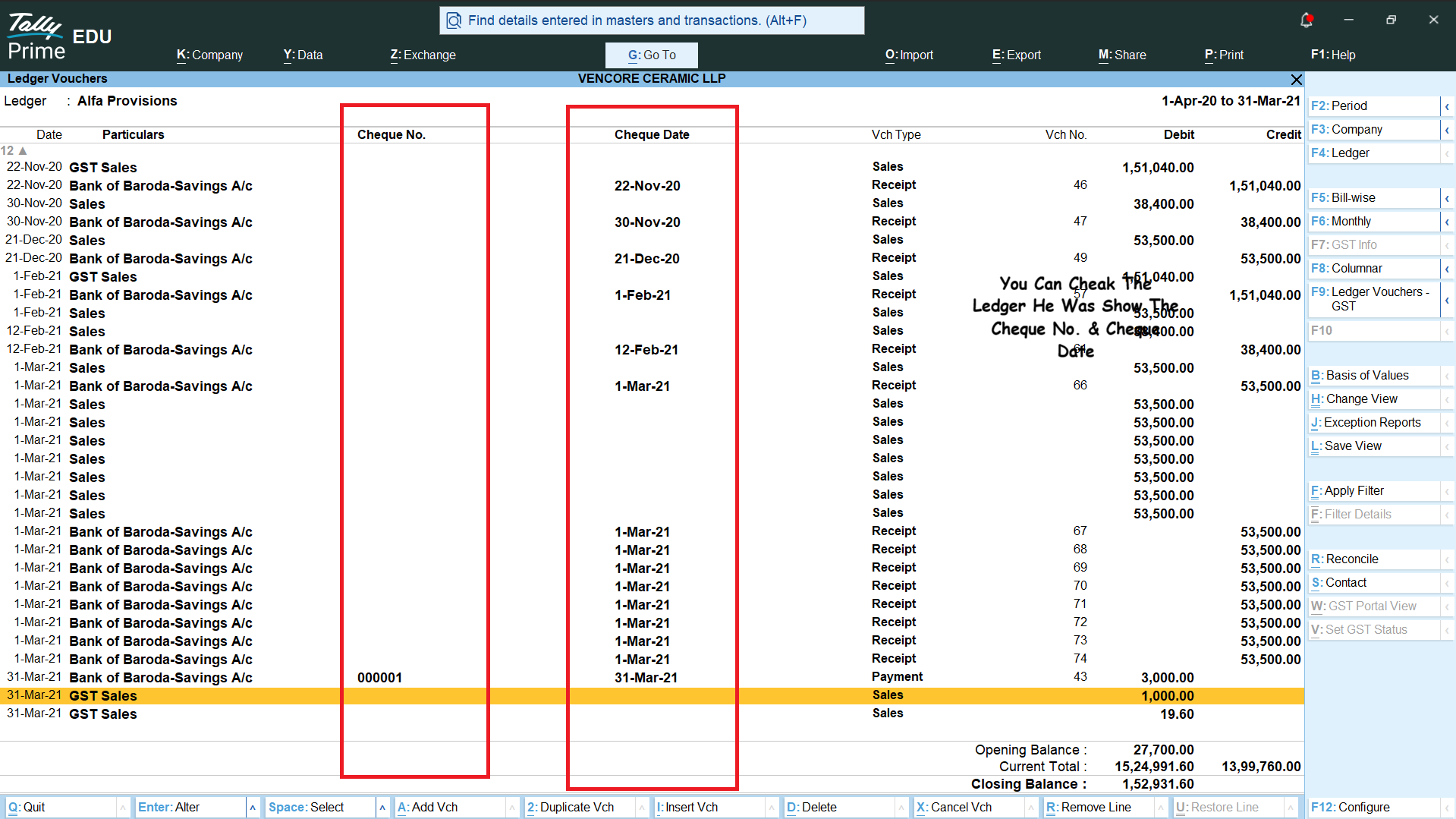
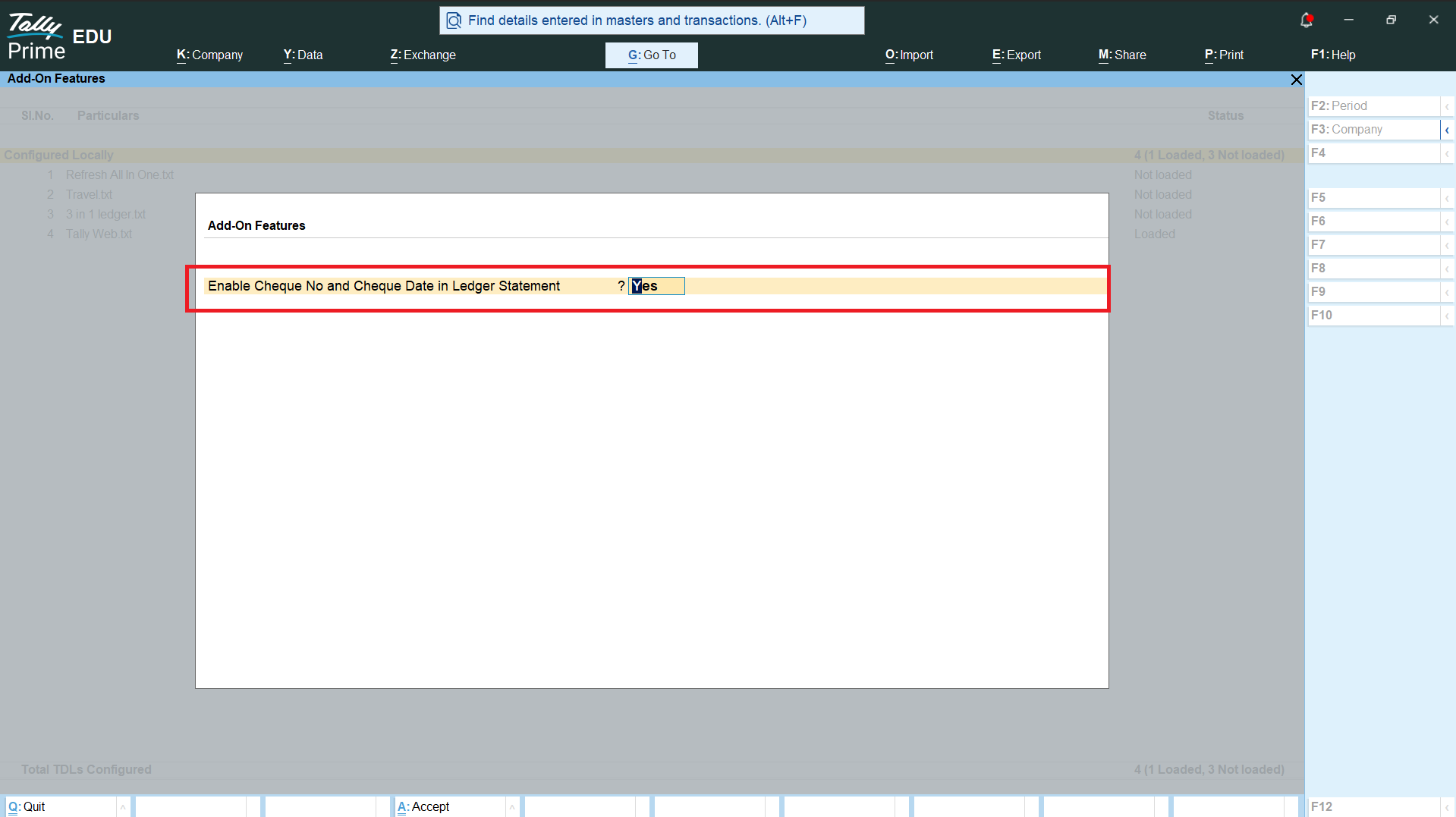
Enable Cheque No and Cheque Date in Ledger Statement
✓ TallyPrime compatibleThis customization enables Cheque No. and Cheque Date details in the Ledger Statement of Tally Prime. With this feature, users can easily view and track cheque-related information directly from the ledger report without opening individual vouchers. The Cheque Number helps identify the specific cheque used for a payment or receipt, while the Cheque Date shows the date mentioned on the cheque. Both details are displayed clearly along with the existing ledger information, making transaction verification faster and more convenient. This feature is especially useful for businesses that handle a large number of cheque transactions and need to regularly check payment details. It helps users quickly match ledger entries with physical or bank records, identify cheque transactions, and maintain better financial records. The customization improves the overall usability of the Ledger Statement and reduces the time required to find cheque-related information in Tally Prime.
Key Features:
This product enhances your standard Tally Prime workflow.